VSYour editor
Visual Studio Code
A free code editor for Windows, macOS and Linux. Start here, then add the coding extensions below.
Open VS CodeYOUR NEXT IDEA STARTS HERE
Choose your tools. Connect your AI coding assistant. Start with a small idea, then make it real.
A PROMPT TO GET YOU STARTED
“Help me build a small app. First explain the plan, then make one change at a time.”
OFFICIAL STARTING POINTS
A free code editor for Windows, macOS and Linux. Start here, then add the coding extensions below.
Open VS CodeTalk through an idea, ask coding questions, and use Codex for work on a project.
Open ChatGPTUse OpenAI’s coding agent beside your files in VS Code, or in the ChatGPT desktop app.
Explore CodexStart a conversation with Claude, or use Claude Code for project work in your editor.
Open ClaudeFind Google developer tools, technical documentation and learning resources in one place.
Open Google for DevelopersStart with the official Android tools and Android Studio. Explore the Android platform and app-building guides.
Open Android DevelopersExplore Xcode, Apple’s development environment, and the tools for Apple-platform apps. Xcode runs on macOS.
Explore XcodeNo matching tools. Try another name.
Links open the provider’s own site. Accounts, subscriptions and platform requirements vary; check the provider for current details.
CONNECT YOUR WORKSPACE
Four practical guides, with screenshots of the official setup references.
SETUP GUIDE
Connect your browser to the ChatGPT desktop app.
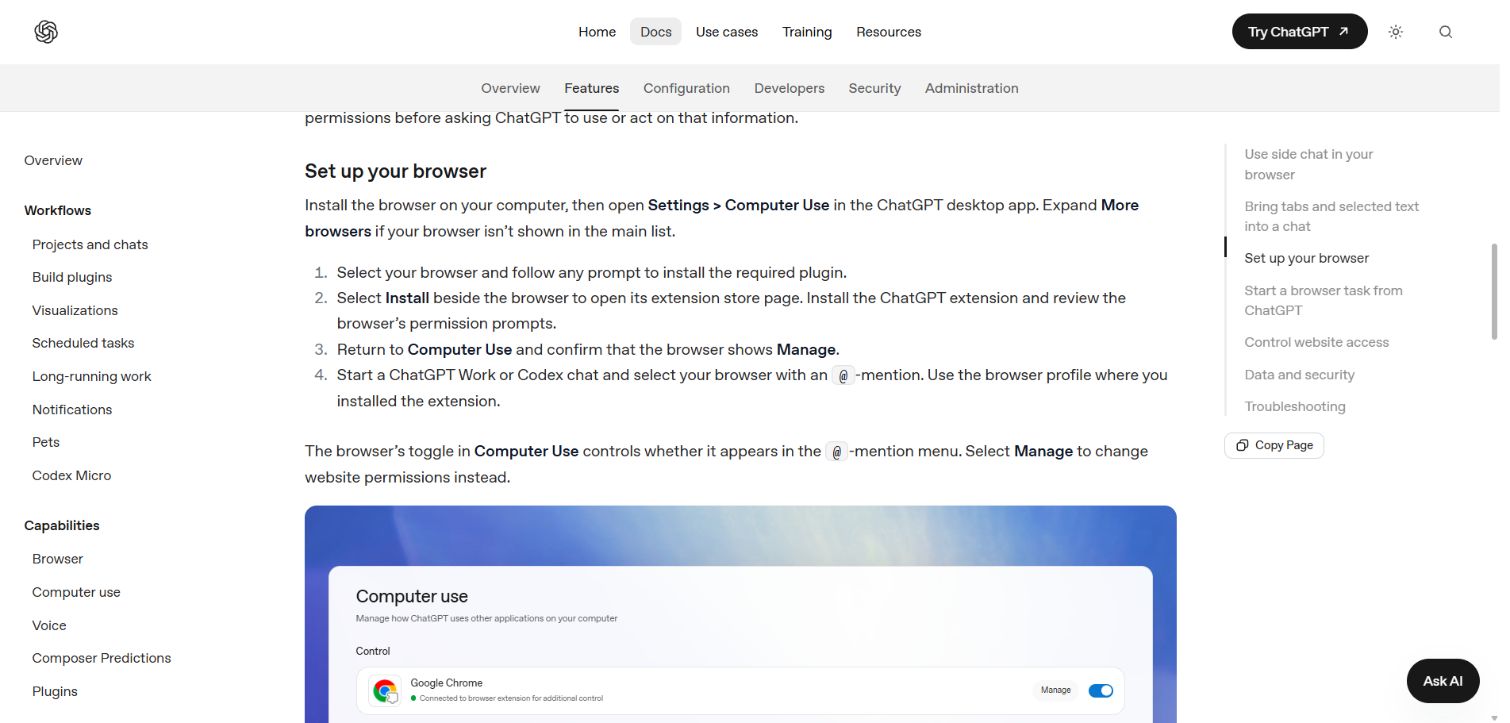
SETUP GUIDE
Install the browser extension, then connect coding tasks when needed.
claude --chrome. You can also ask Claude Code to use the browser and follow its Install extension setup prompt./chrome in Claude Code to inspect the connection or reconnect. Review site permission requests. This integration does not run through WSL.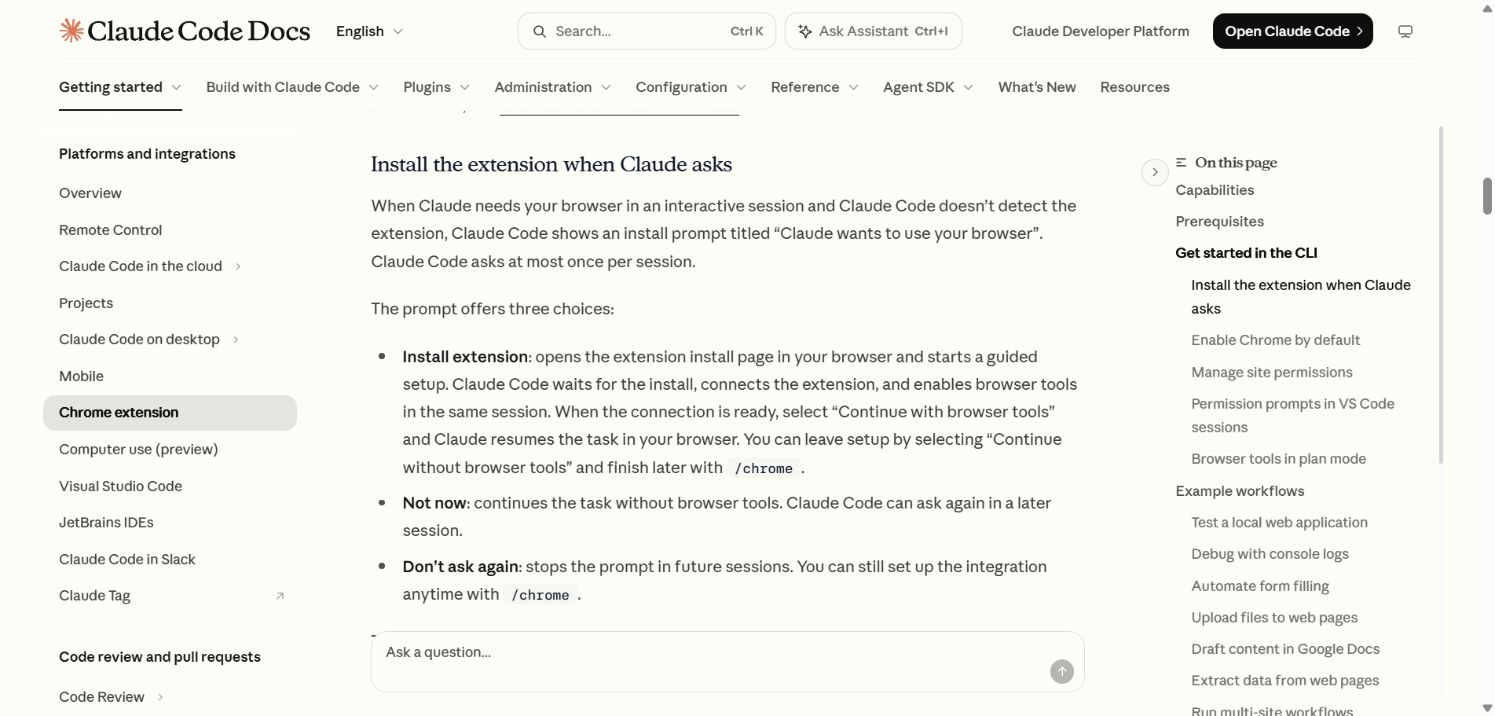
SETUP GUIDE
Bring the coding agent next to your project.
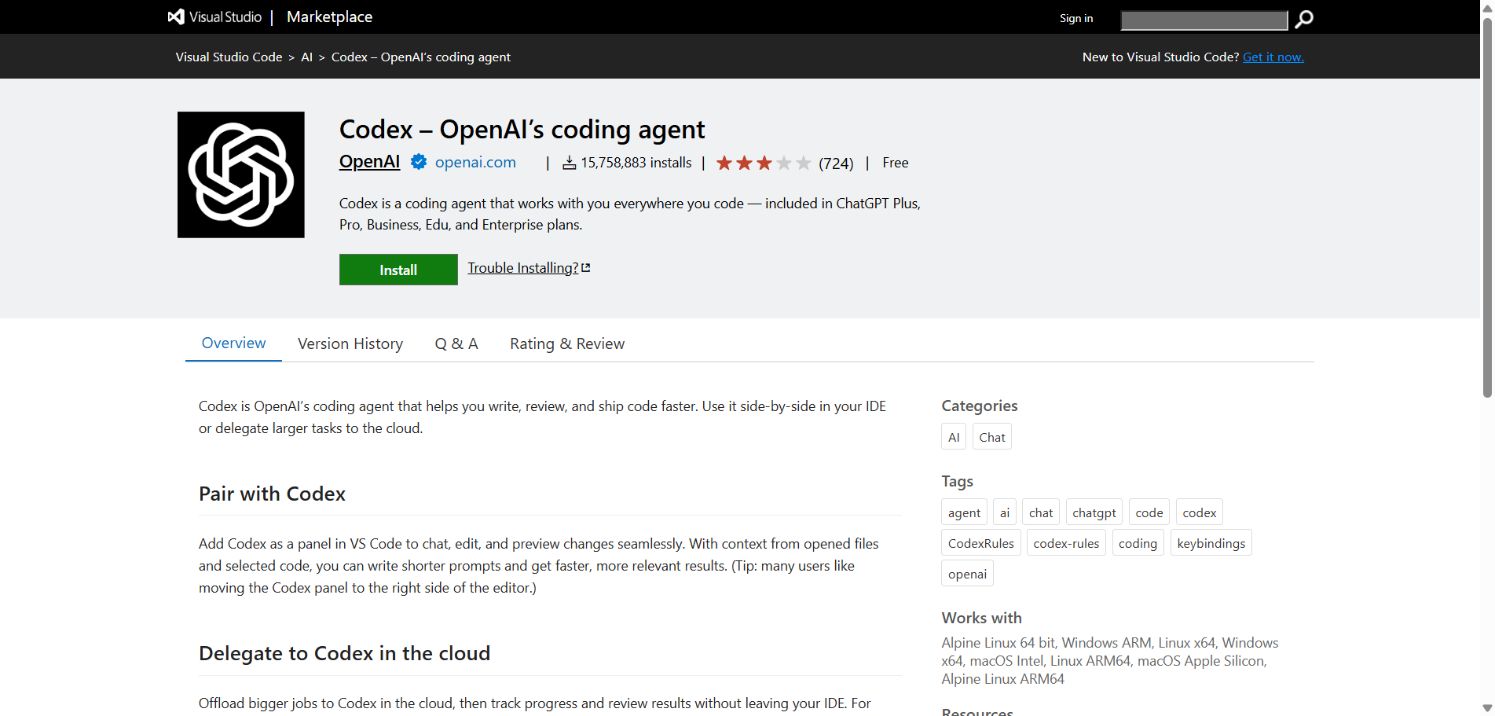
SETUP GUIDE
Add Claude’s coding panel to the same editor.
claude command to your terminal.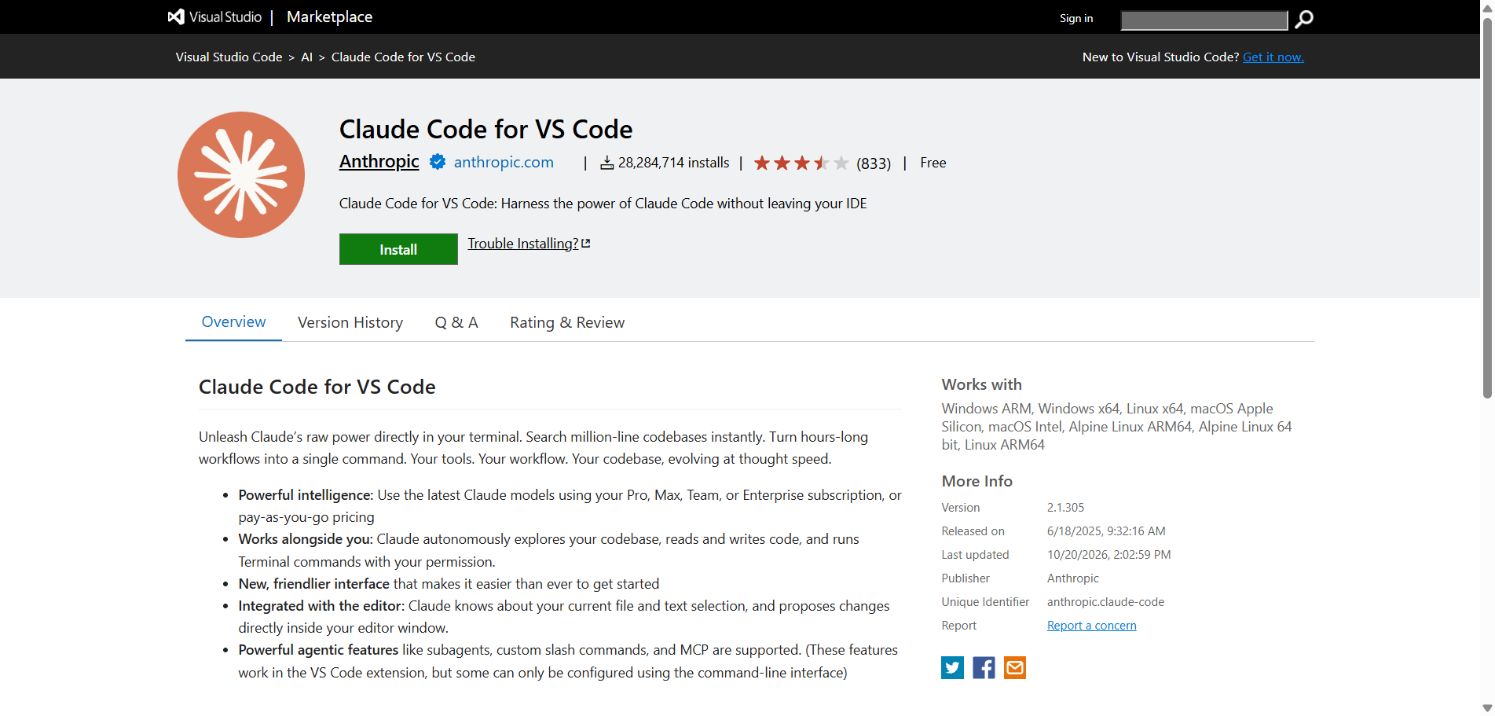
FROM SPOKEN IDEA TO WORKING CODE
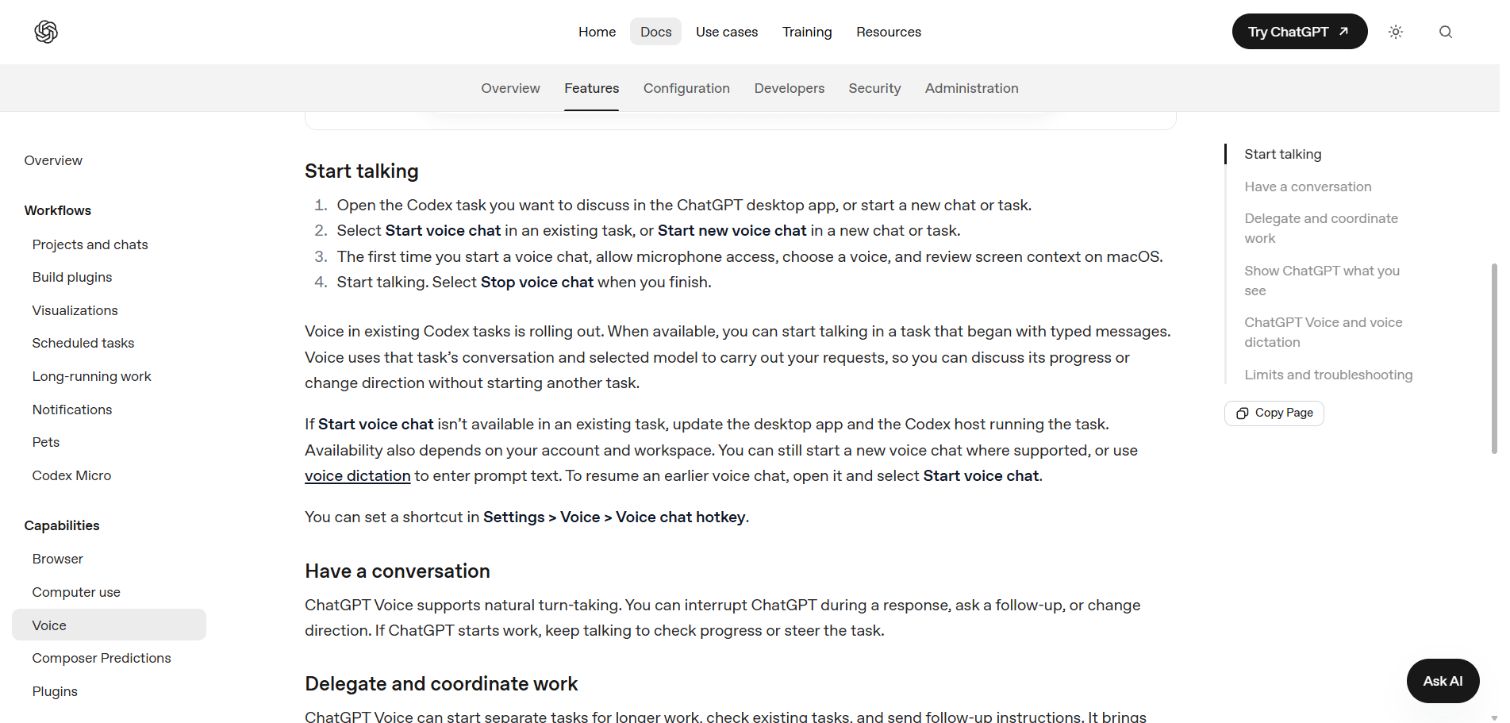
ChatGPT Voice can discuss and steer a Codex task in the desktop app. Dictation is another option: it turns speech into prompt text you can review before sending.
“Make a simple task-list app. Explain your plan first. Let me review the changes, then show me how to test it.”
Voice availability depends on your plan, rollout and workspace settings. If the button is missing, check app updates or use dictation.
BUILT SOMETHING YOU LOVE?
See what we’re building at DooToob—or tell us what you’d like to make next.
Explore DooToob apps ↗Get in touch ↗