Storage maintenance
Defrag SSD & HDD Ai
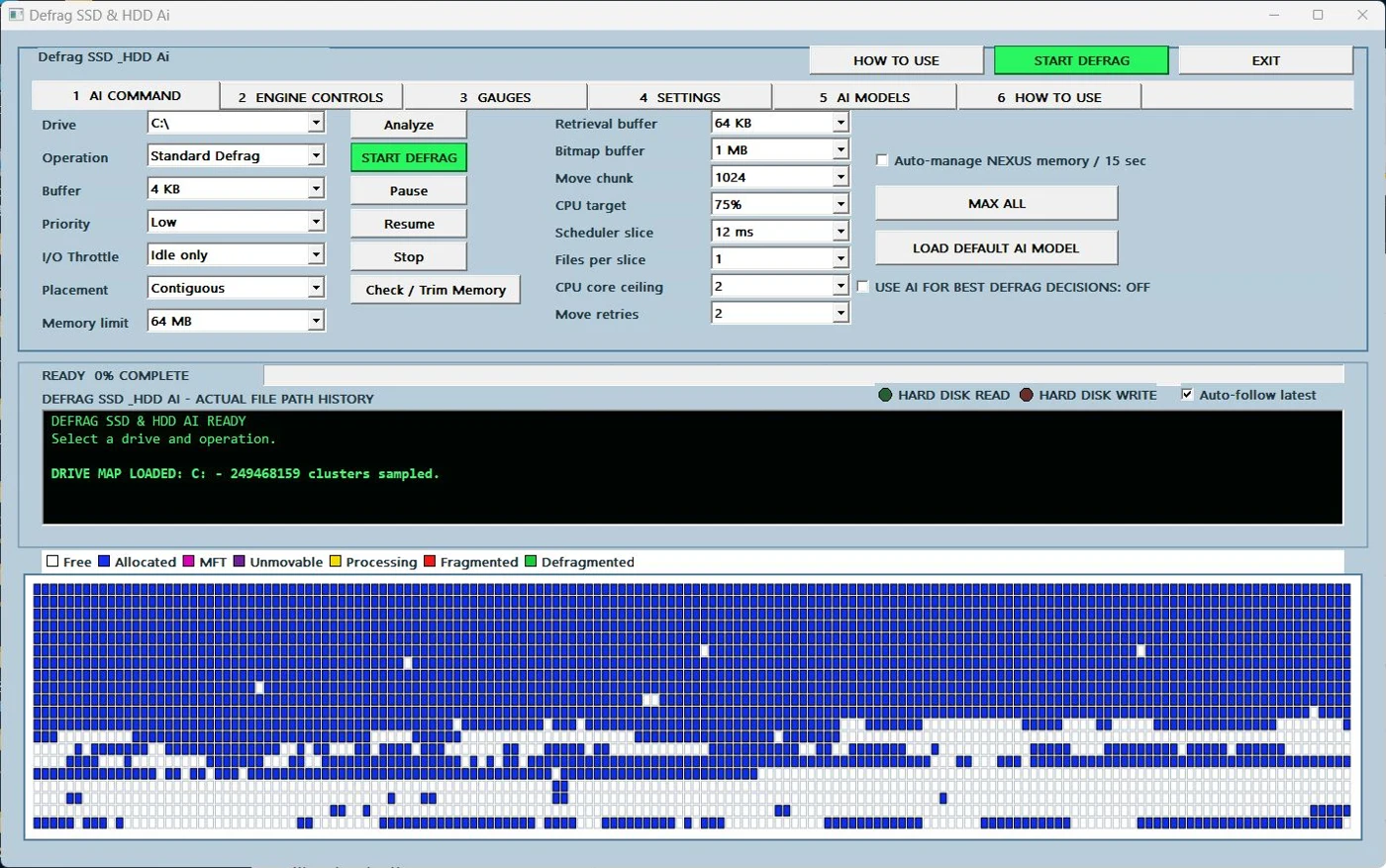
Analyze drives, run user-selected HDD workflows, use SSD Retrim where appropriate and follow every operation on a live disk map.
Analyze drives, run user-selected HDD workflows, use SSD Retrim where appropriate and follow every operation on a live disk map.
Waiting for release · Product ID 9MVD7NW7945B

What it does
Defrag SSD & HDD Ai
Analyze drives, run user-selected HDD workflows, use SSD Retrim where appropriate and follow every operation on a live disk map.
This page is based on the app’s own help material and current Partner Center record. Availability, pricing and release timing can change in Microsoft Store.
How to use
From opening the app to a useful result.
- 1
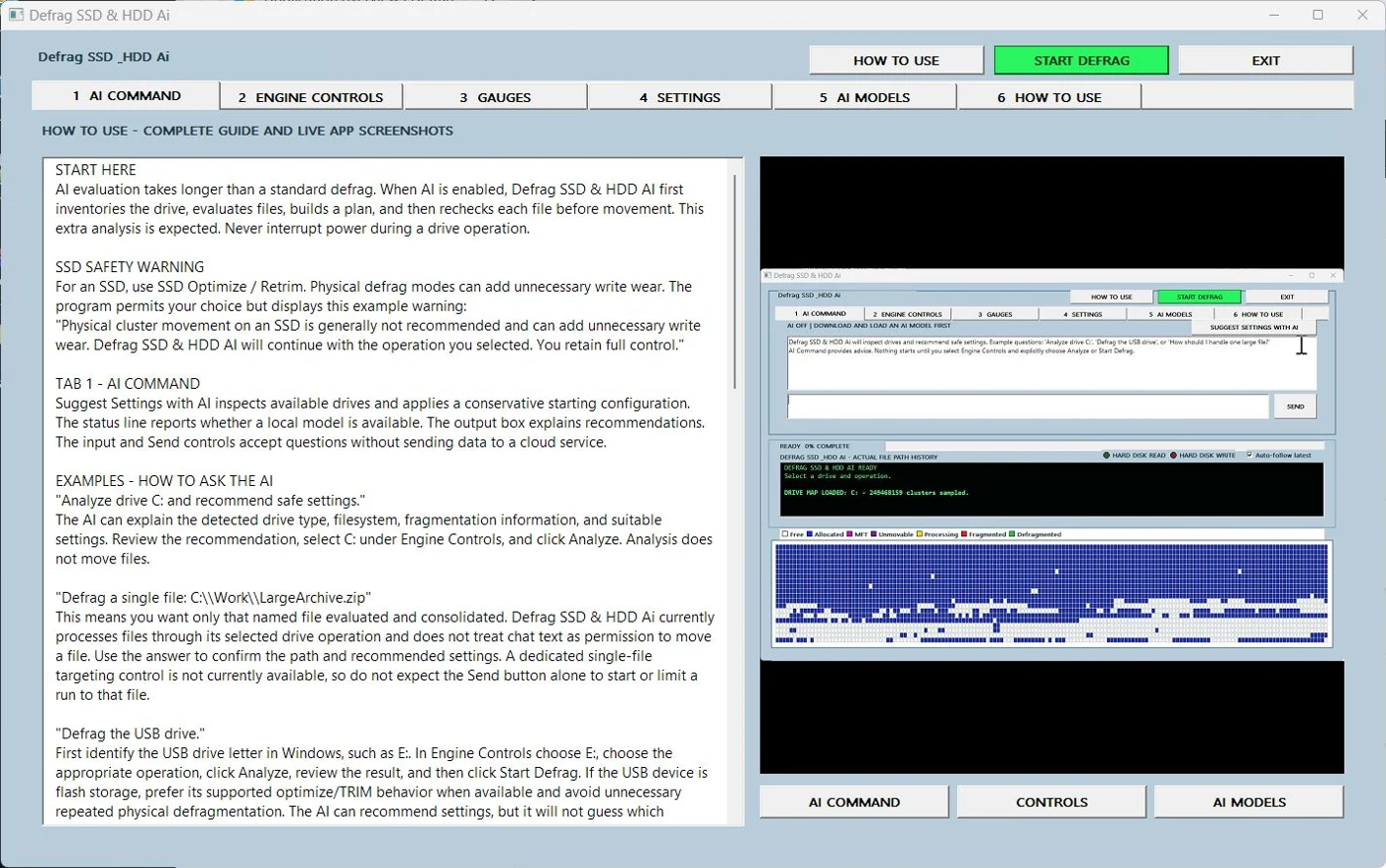
Maintain a current independent backup and run Analyze first.
- 2
Confirm the selected drive type and review the live map and fragmentation report.
- 3
For supported SSD maintenance choose Optimize / Retrim; for HDDs choose the intended defrag workflow.
- 4
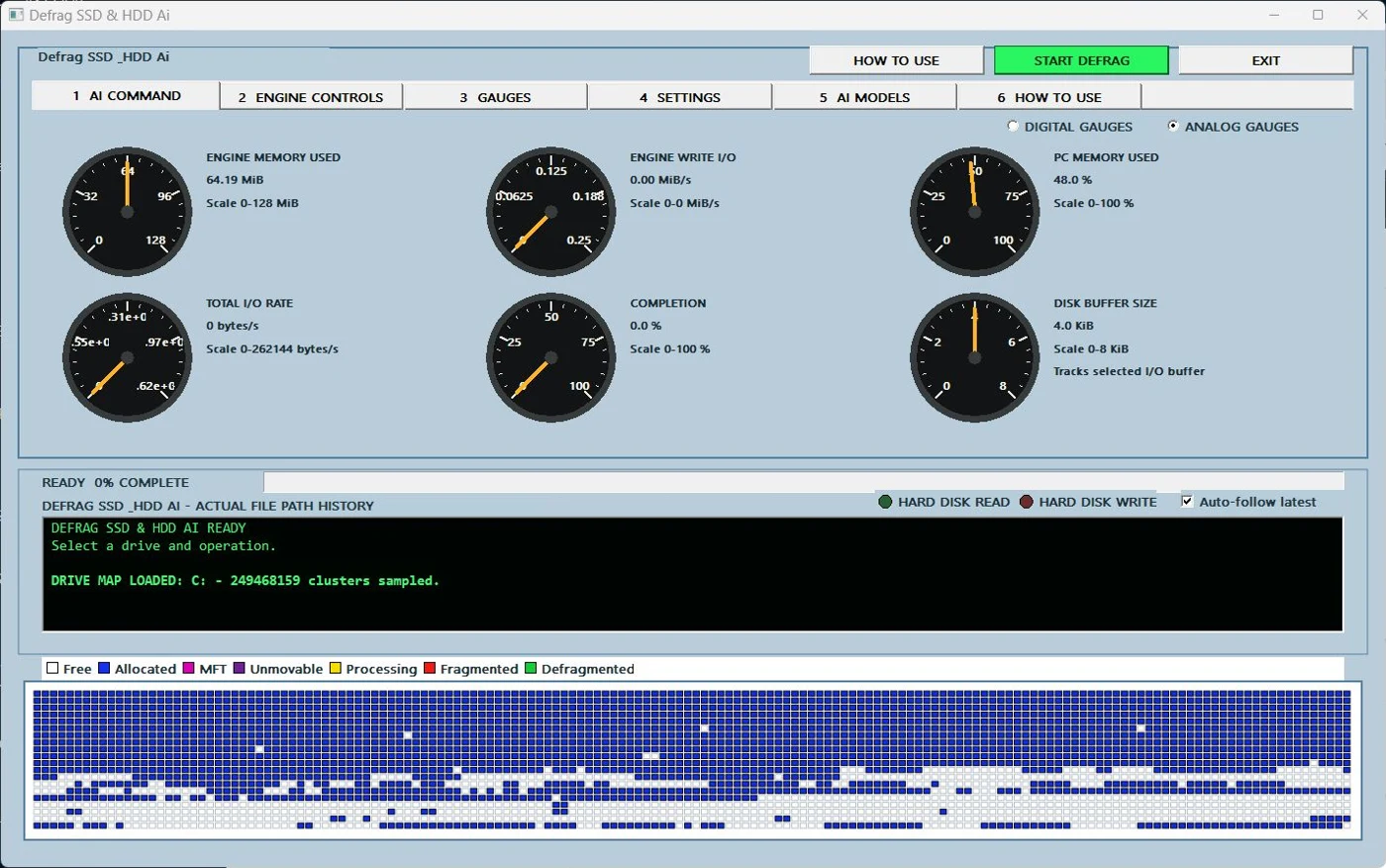
Set resource limits, start explicitly and use Stop immediately if needed.
Inside the app
See the workflow.
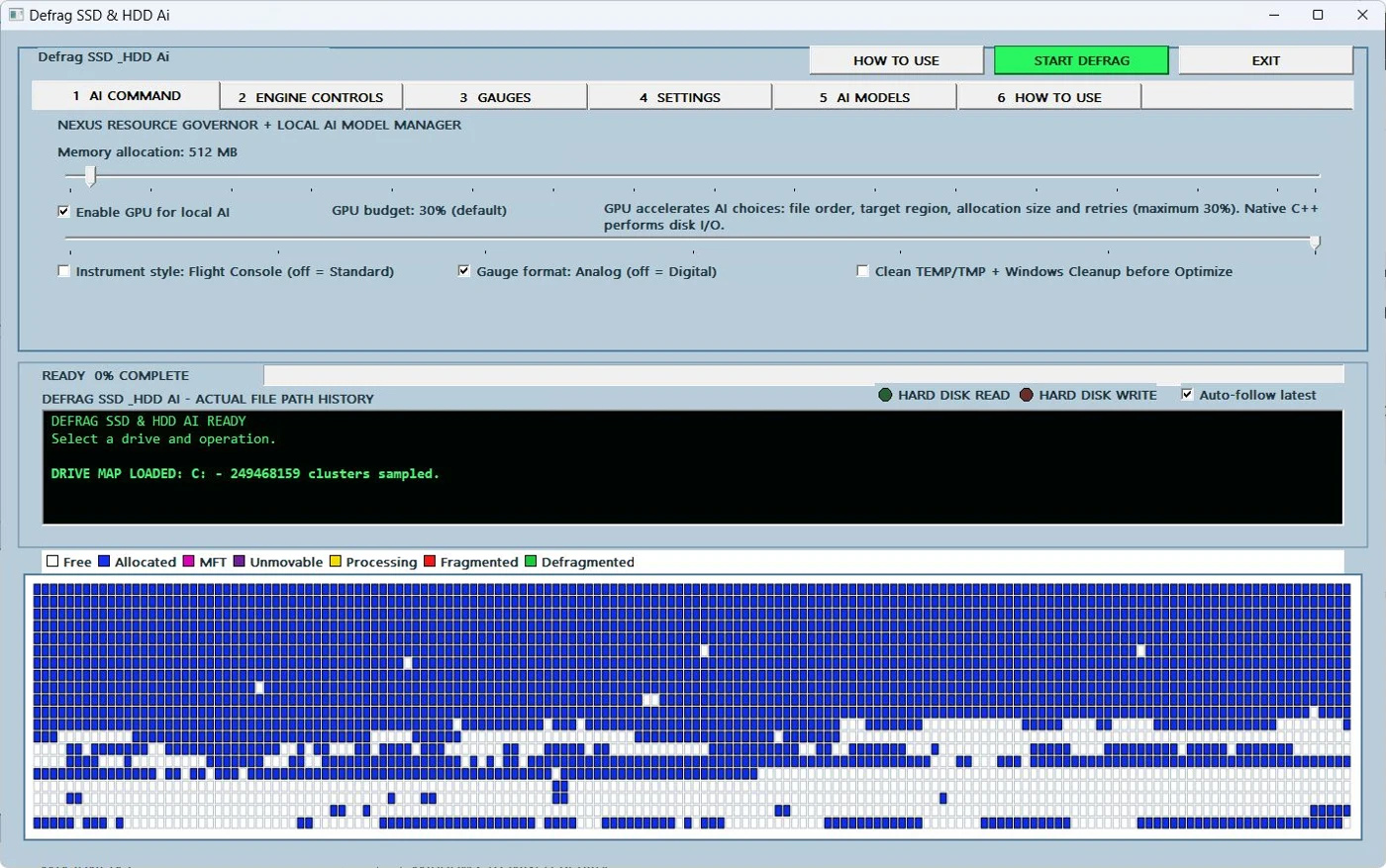
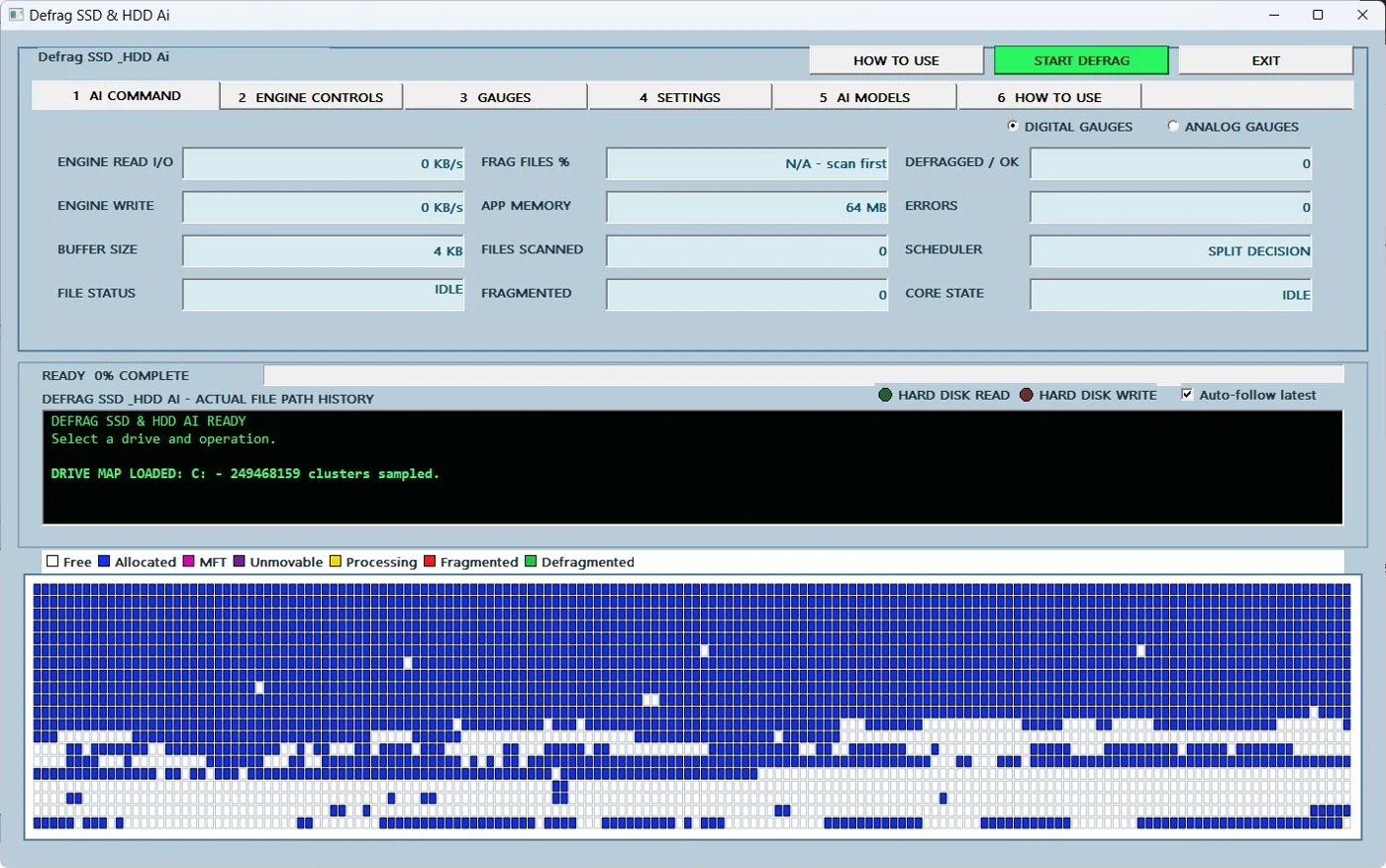
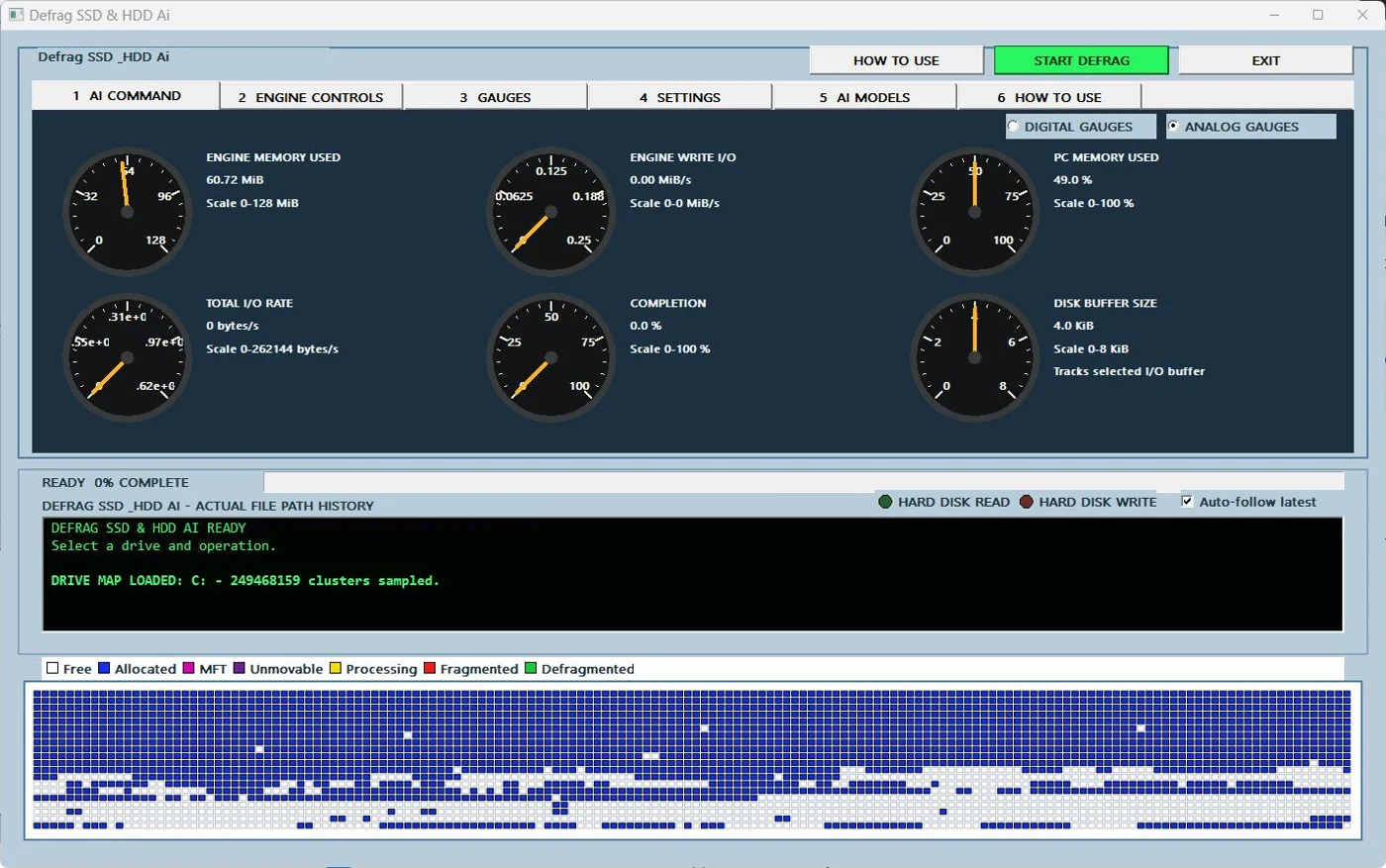
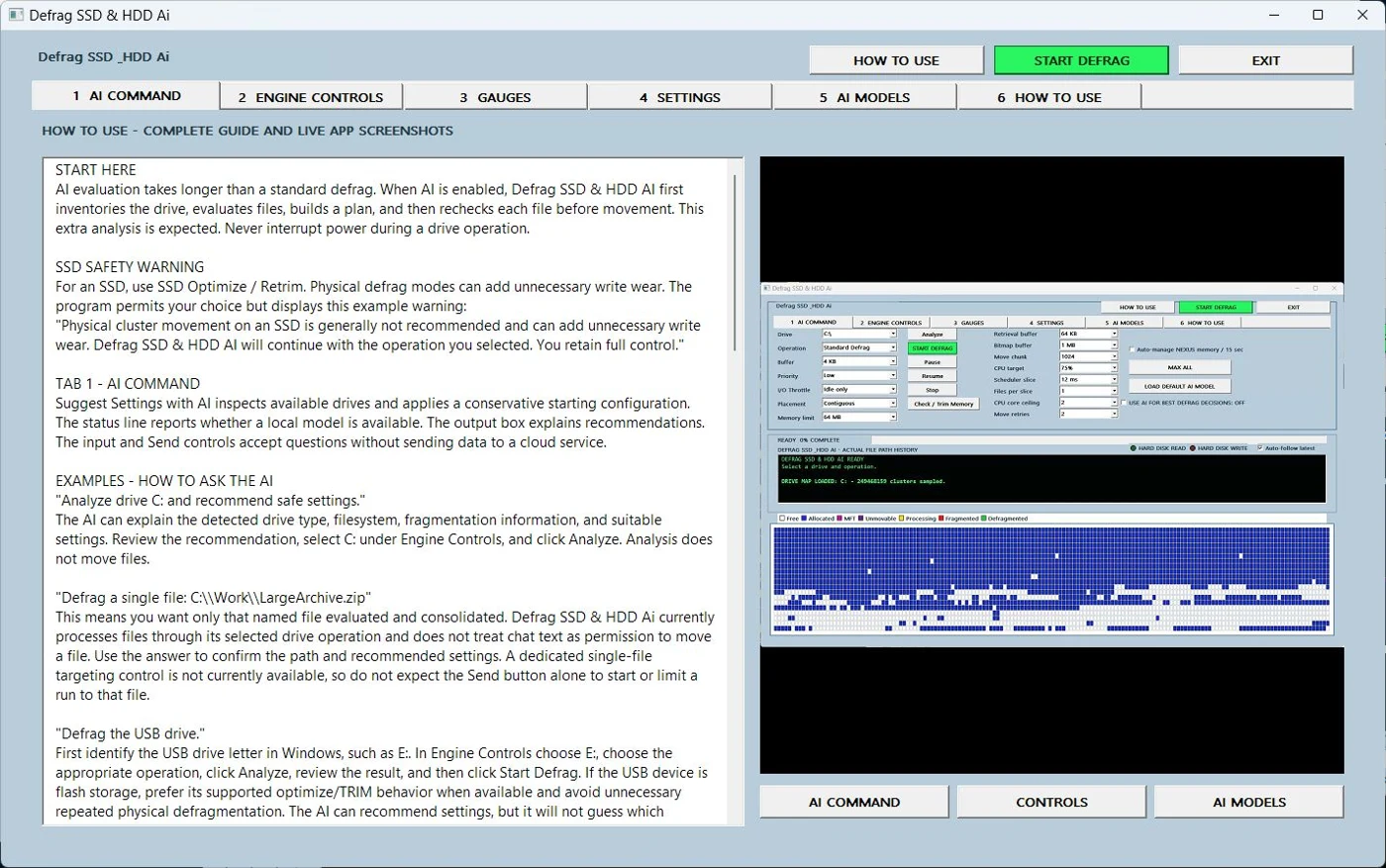
Defrag SSD & HDD Ai
Analyze drives, run user-selected HDD workflows, use SSD Retrim where appropriate and follow every operation on a live disk map.
View Microsoft Store listing ↗← Explore all Microsoft appsMore from DooToob